Snipsy
Photo Stamps & Stickers

Every photo deserves
to be kept.

Point your camera. Snipsy lifts the subject, die-cuts it, and dresses it as a collectible stamp or sticker — in one gesture.
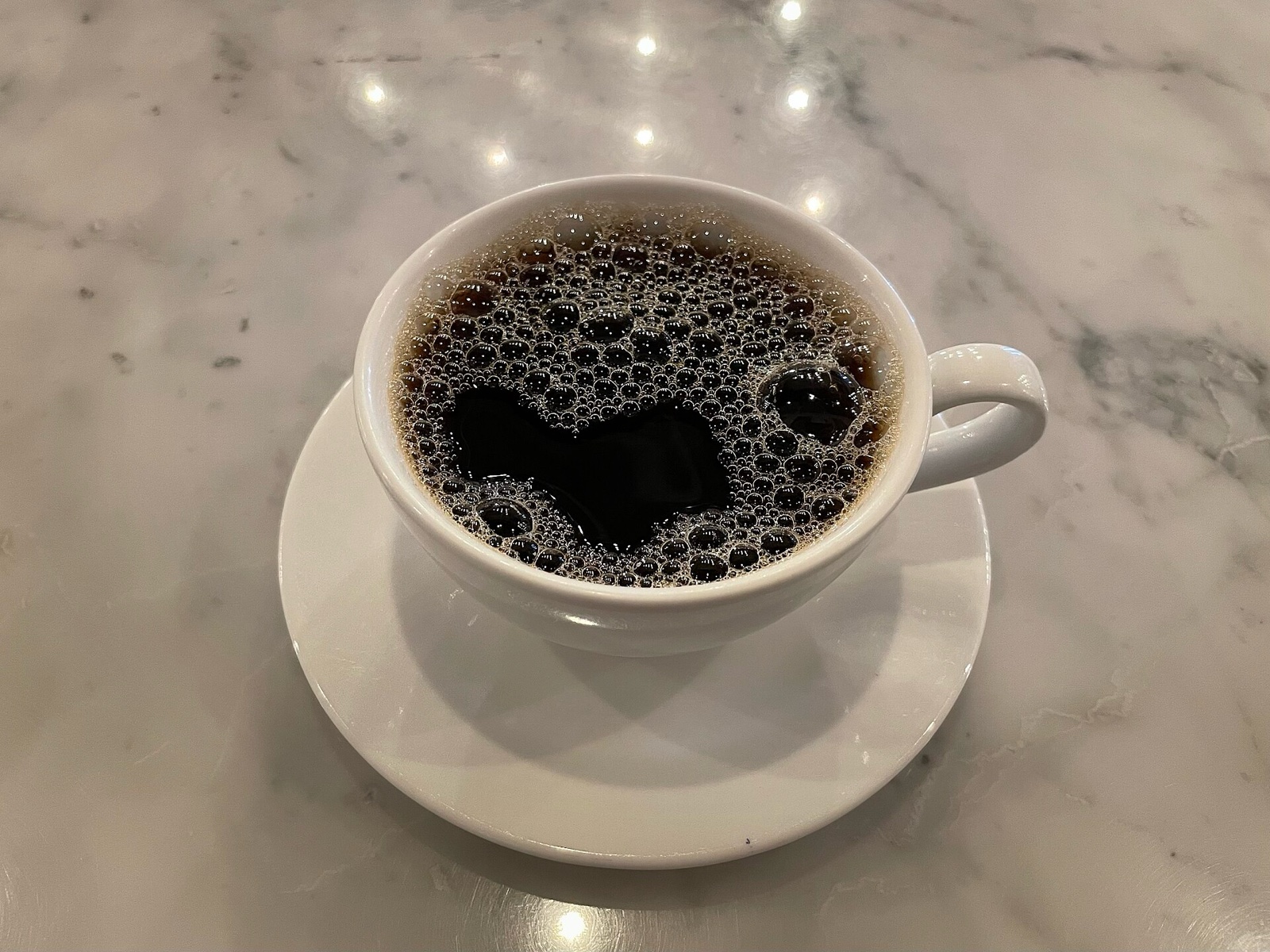

SNIPSY · №001CoffeeJUL 12, 2026
Your subject is lifted and die-cut…
The problem

You take a hundred photos a week. They vanish into the camera roll, unsorted and unseen. The coffee, the concert, the little thing that made you smile — all gone in the scroll.

The answer

Snipsy lifts the subject from your photo with on-device Vision, die-cuts it, and dresses it as a collectible postage stamp or bare sticker. Pick from 10 paper variants — tinted, ivory, airmail, foil, night, and more — then drop it in your album or send it in iMessage. One tap, your moment, kept.

How Snipsy works

The Onboarding Walkthrough

9:41
SNIPSY · №001CoffeeJUL 12, 2026
Your subject is lifted and die-cut…
LIFT SUBJECTS

On-Device Die-Cut

Point your camera. Snipsy isolates the subject using Apple Vision and clips it instantly.

10 Paper Worlds

Every stamp, your way.

Each variant dresses your subject in a different paper world — from warm tinted stock to neon-edged night editions.

Tinted
Ivory
Ink
Airmail
Commemorative
Foil
Revenue
Botanical
Night
Sweetheart
Features

Everything you need. Nothing you don't.

Die-Cut in a Tap

Apple Vision lifts the subject from your photo and cuts it out — clean edges, no manual selection, right on your device.

10 Stamp Variants

Tinted, ivory, ink, airmail, commemorative, foil, revenue, botanical, night, sweetheart — each a different paper world for your subject.

Stickers in iMessage

Every sticker rides in the Messages drawer. Peel and place them in conversations, exactly like Apple's built-in stickers.

Stamp from Anywhere

The share extension lets you turn any photo from any app into a stamp — no need to open Snipsy first.

Your Album

Every stamp is numbered and dated. Your album is a growing collection of the moments you chose to keep.

Fully Offline

No accounts, no server, no analytics, no network requests. Everything lives on your device and nowhere else.

Why Snipsy

Not another photo editor.

The usual
Snipsy
Sticker apps give you clip art.
Your own photos, die-cut by Vision.
Photo editors bury the fun in sliders.
One tap: camera → stamp → collection.
Cloud-based apps need accounts.
Fully offline. Nothing ever leaves your phone.
FAQ

Common questions.

What is Snipsy?
Snipsy is a camera app that turns your photos into collectible postage stamps and die-cut stickers. Point at anything, tap the shutter — Vision lifts the subject, and you choose from 10 hand-crafted paper variants to dress it.
How does the die-cut work?
Snipsy uses Apple's on-device Vision framework to find and lift the subject from your photo. The cut happens entirely on your device — no upload, no cloud processing.
What are stamp variants?
Each variant is a different paper world for your subject: tinted uses your photo's own palette, ivory is an heirloom cameo, airmail is the classic chevron border, foil adds a holographic sheen, night wraps it in neon — 10 in total.
Can I use my stamps as iMessage stickers?
Yes. Every sticker you make appears in the Snipsy drawer inside Messages. Peel and place them in any conversation.
Does Snipsy need an internet connection?
No. Snipsy is fully offline — no accounts, no server, no analytics, no network requests. Your stamps live on your device only.
Is Snipsy free?
Snipsy is free to download. A one-time lifetime purchase unlocks all 10 stamp variants — no subscription, yours forever.
Can I stamp photos from other apps?
Yes. The share extension lets you select any photo from Photos, Safari, or any app and stamp it directly — Snipsy opens, cuts, and dresses it.

Your moments,
kept.

Free on iOS. One purchase unlocks everything — forever.

Download on the App Store